
How it works
From a link someone sent you to a video playing here.
-
Copy the link you were sent
Copy the whole thing, from
https://to the end. You do not have to open it first. - Paste it here and press Watch The player looks up what is behind the link, then lists what it finds: file name, size, and quality where the provider reports one.
- Pick a file and it plays Playback starts on this page. If you would rather keep the file, anything the provider gives us a download address for has its own download button.
On this website there is no account step, nothing to install, and no ad or countdown before a video or a download. (The Android app works differently: it shows a short ad before each download.)
What the player does
- Plays on this page The video opens here with its own controls: play, scrub, volume, speed from 0.5× to 2×, fullscreen, and a mini player where your browser has one.
- Built for thumbs and keyboards Controls are sized for a phone. On a keyboard, Space plays, the arrow keys skip and set volume, M mutes, F is fullscreen, and 0–9 jump to a point in the video.
- Download instead Where a file can be downloaded, it has its own download button in the list, and the player has one too — you never have to start a video to save it.
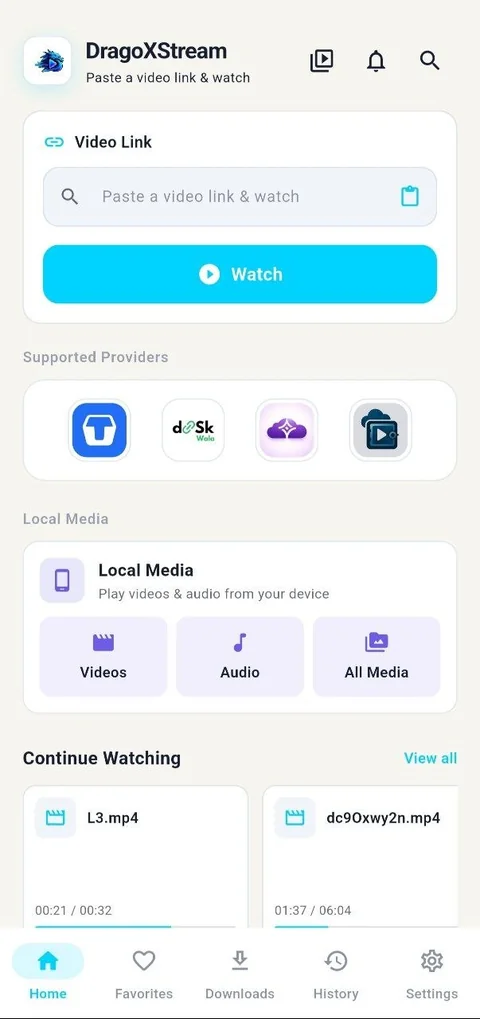
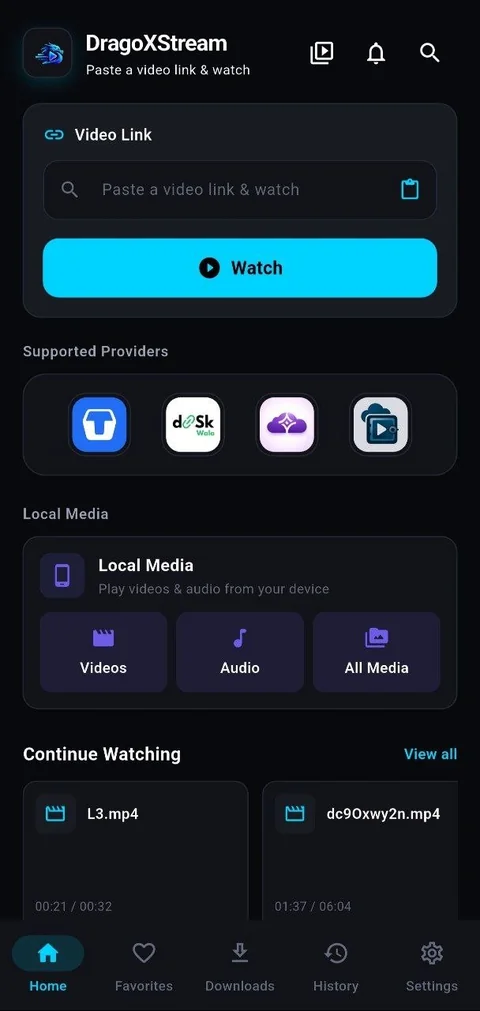
DragoXStream for Android
Everything on this page, plus what a browser can't do.
- Downloads keep going in the background, even with the screen off
- Pick up any video where you left off
- Plays videos and music already on your phone
- Sign in with Google to keep your history on every device
Android 7 or newer
Questions
What is this?
A player for share links. Paste a share link and whatever is behind it plays on this page, with a download button if you would rather keep the file. That is the whole product.
Is it safe to use?
Your browser never contacts the file host, and never sees the file’s real address — the video reaches you through this server. It does load Google’s advertising and analytics scripts, which see your IP address and the pages you open here; the privacy page says what they collect and how to turn them off. To find out what a link holds, this server asks a separate link-reading service — not the file host itself — so the link you paste does reach one other operator, and we cannot speak for what it keeps. You do not need an account here. The result of a lookup is kept in this server’s memory for up to 30 minutes, so opening the same link again is instant, and then it is dropped; the link itself is not written to our database, only a count of links opened per provider. Two copies stay in your own browser: the “Recently opened” list, which Clear removes, and the link in the address bar, which your browser may also keep in its own history until you clear it there.
Which links work?
Public share links from DiskWala, TeraBox, Flezen and VidBunker. Links that are private, password-protected, deleted by their owner or blocked after a copyright notice will not open. DragoXStream is not affiliated with any of these services, and you should only open links to files you have the right to watch. The step-by-step guide and the playback checklist cover what to do when a link fails.
Why does the video stop working after a while?
On purpose. The play link is encrypted and expires after about an hour. When it does, press Load the link again and the player picks the same file back up.
Can I send someone the link the player gives me?
Please don’t — it stops working within the hour. Send them the original share link instead, so they open it themselves.
It says the player is busy. What now?
Too many links were opened from your connection in a short window. Wait about a minute and press Watch again. There is nothing wrong with your link.
A file will not play. Why?
Whether a file plays is up to your browser, not this page. Some formats no browser can open without extra software. When that happens the player says so, and where the provider gives us a download address, that button still works.
Does it work on a phone?
Yes, and that is what it was built for first. You do not need the Android app to watch here. Fullscreen and the mini player follow whatever your browser supports.